iPhone Keyboard
Type searches, passwords, and app logins quickly with familiar iPhone typing.
Remote Control Xio · Sony TV keyboard for iPhone
Use your iPhone keyboard to search, sign in, and enter passwords on compatible Sony Android TV and Google TV models.
For supported Sony Android TV and Google TV models · Same Wi-Fi required
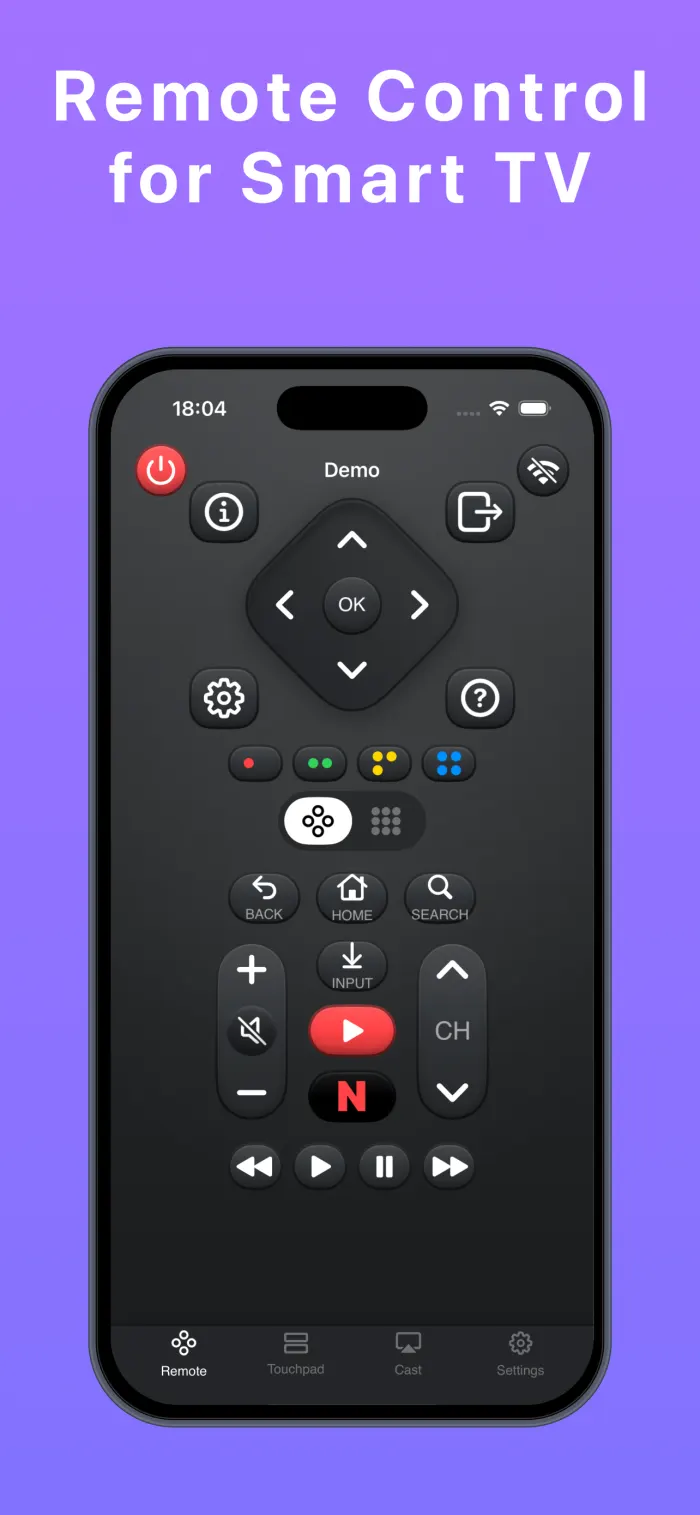
Entering a Wi-Fi password, searching for a movie, signing in to a streaming service, or typing a long title with a physical TV remote is slow and frustrating. Remote Control Xio gives you a faster way to type on Sony TV with iPhone using an iPhone keyboard for Sony TV and the keyboard you already know.
More than a keyboard
Type searches, passwords, and app logins quickly with familiar iPhone typing.
Navigate menus smoothly from your iPhone instead of tapping through one button at a time.
Open supported streaming apps faster when you are ready to watch.
Share media from your iPhone to the TV when a bigger screen is better.
Three simple steps
Connect your iPhone and compatible Sony TV to the same Wi-Fi network.
Open Remote Control Xio and select your TV from the device list.
Use the keyboard, touchpad, and remote controls from your iPhone.
Before you download
Remote Control Xio is designed for compatible Sony televisions running Android TV or Google TV. It is not intended to claim support for every Sony TV model. Whether you are looking for a Sony Android TV keyboard or a Sony Google TV keyboard, check that your specific TV is supported.
TV not found? Check the Wi-Fi connection, allow Local Network access in iPhone Settings, and reopen the device list. Compatibility can vary by model and network setup.
Clear answers
Remote Control Xio can let you use your iPhone keyboard to enter searches, passwords, and sign-in details on compatible Sony televisions running Android TV or Google TV when both devices are on the same Wi-Fi network.
No. Remote Control Xio is designed for supported Sony Android TV and Google TV models. Older Sony televisions using other operating systems may not be supported.
Check that your iPhone and compatible Sony TV are on the same Wi-Fi network, allow Local Network access for Remote Control Xio, and reopen the device list. Some models or network settings may not be supported.
Yes. Your iPhone and compatible Sony TV need to be connected to the same Wi-Fi network for Remote Control Xio to find and communicate with the TV.
Yes, on compatible Sony Android TV and Google TV models. When a TV app shows a text field, use the keyboard in Remote Control Xio to enter passwords, email addresses, and other sign-in details.
No. Sony is a trademark of Sony Group Corporation. Remote Control Xio is an independent app and is not affiliated with Sony.
Ready when the remote is not
Use your iPhone to type, navigate, and control your compatible Sony TV. It is a practical way to control Sony TV with iPhone when you need to search or sign in.
