Cannot find the remote?
Use the iPhone you carry every day instead of checking cushions, drawers, and every other room.
TV Remote Control: Xio turns your iPhone into a convenient remote for your Samsung Smart TV, so you can get back to watching without searching the whole room.
For iPhone and iPad · Connect over Wi-Fi
A lost remote should not stop movie night
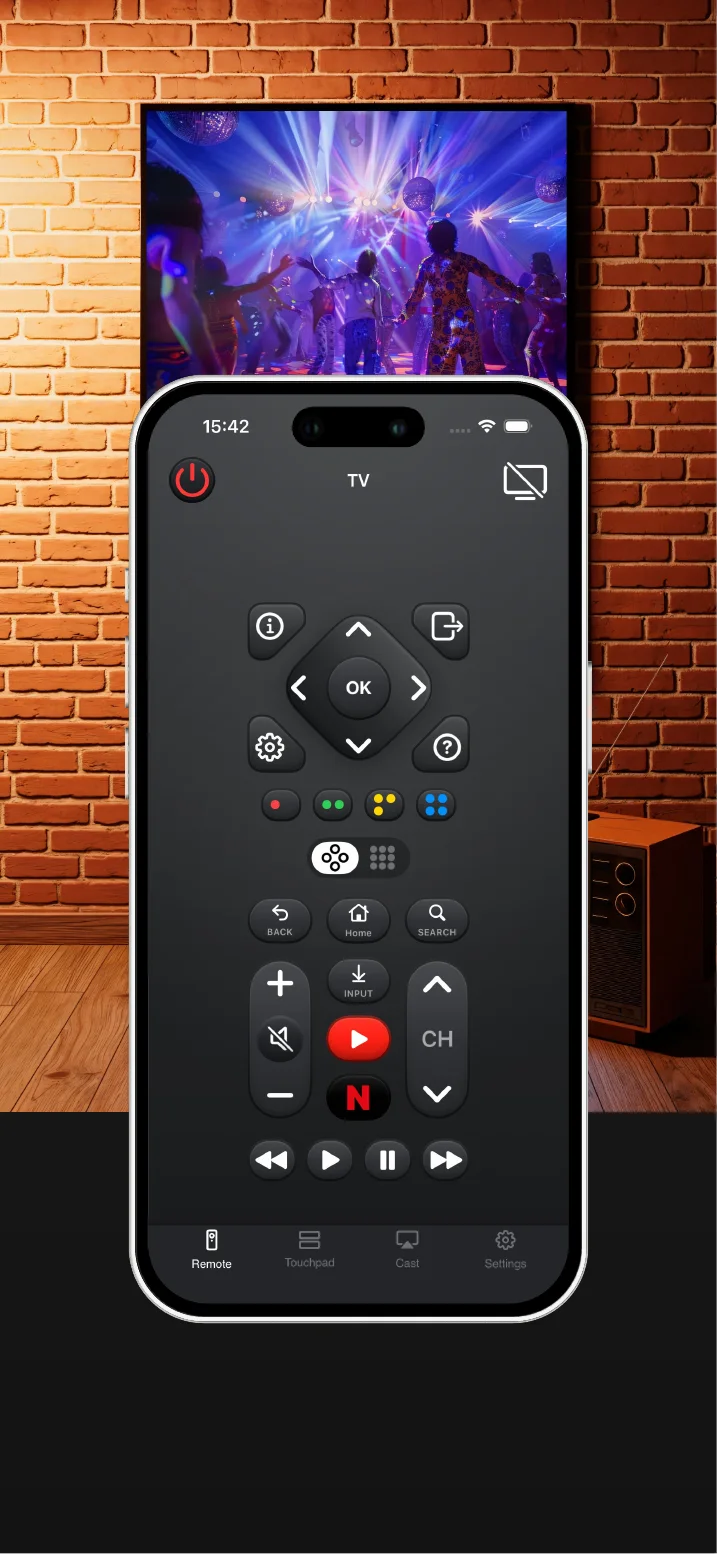
Can an iPhone replace a lost Samsung TV remote? Yes, when the TV is a compatible Samsung Smart TV and both devices use the same Wi-Fi network. TV Remote Control: Xio provides common remote buttons, touchpad navigation, keyboard input, and TV app shortcuts from an iPhone or iPad.
Use the iPhone you carry every day instead of checking cushions, drawers, and every other room.
Connect your phone and compatible Samsung TV to the same Wi-Fi network, then start controlling.
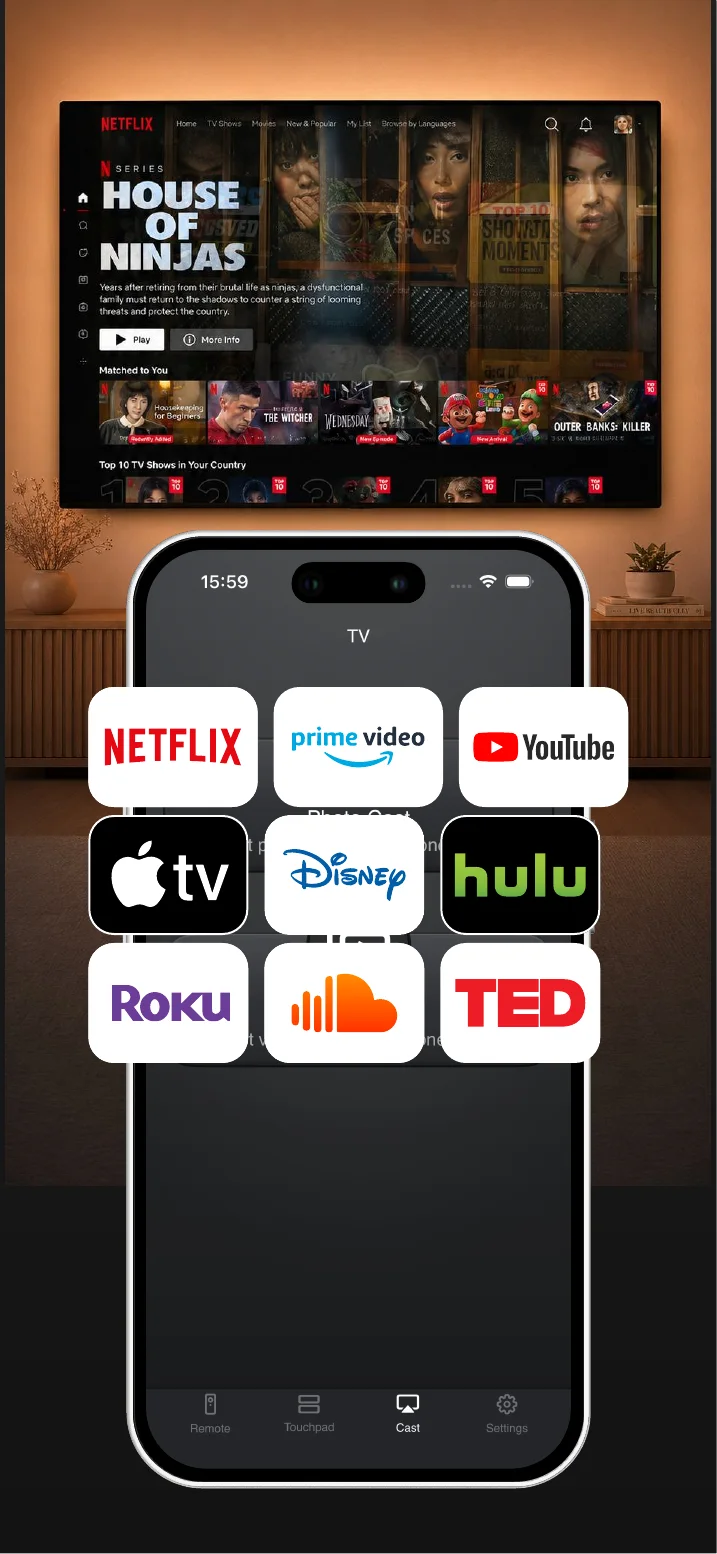
Use remote buttons, touchpad navigation, keyboard input, and quick access to TV apps from one place.
Everything you need, right on your iPhone
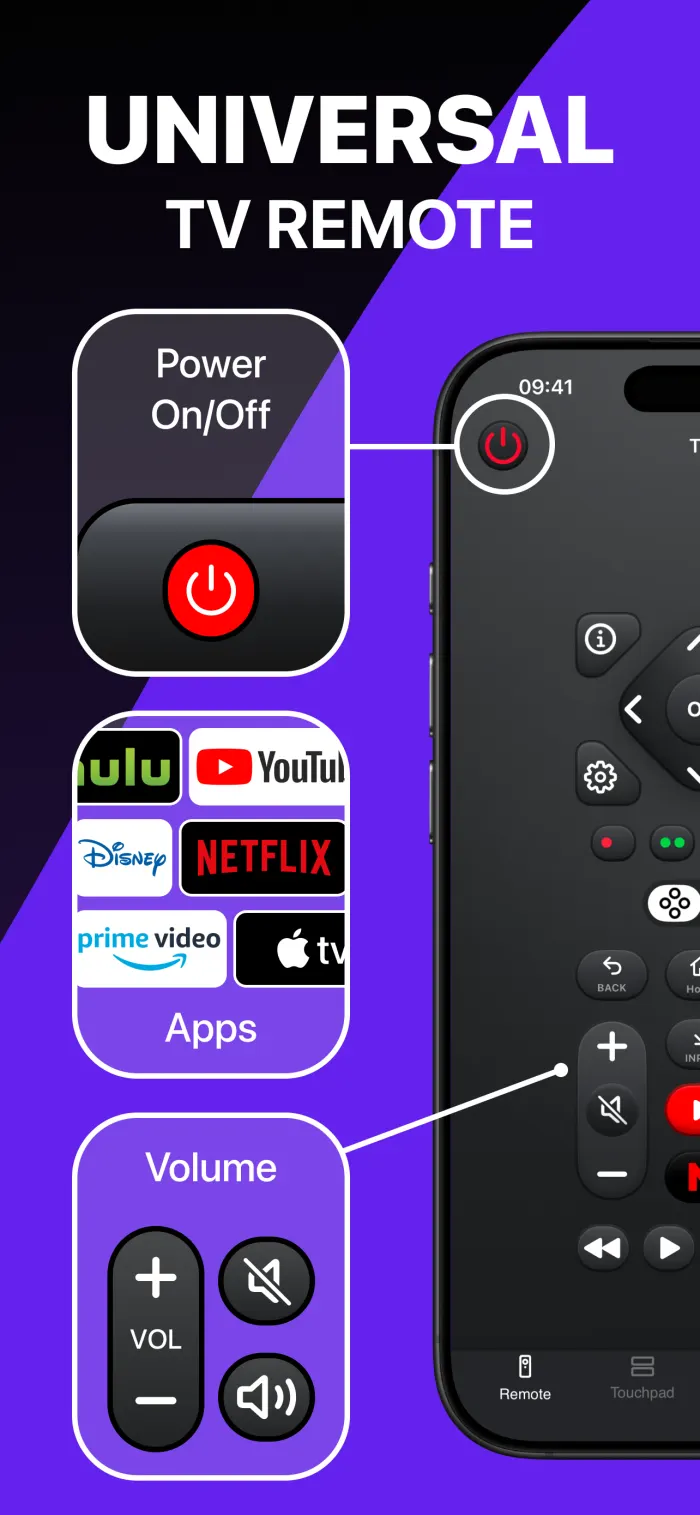
Power, home, back, volume, channel, playback, source, and number controls.
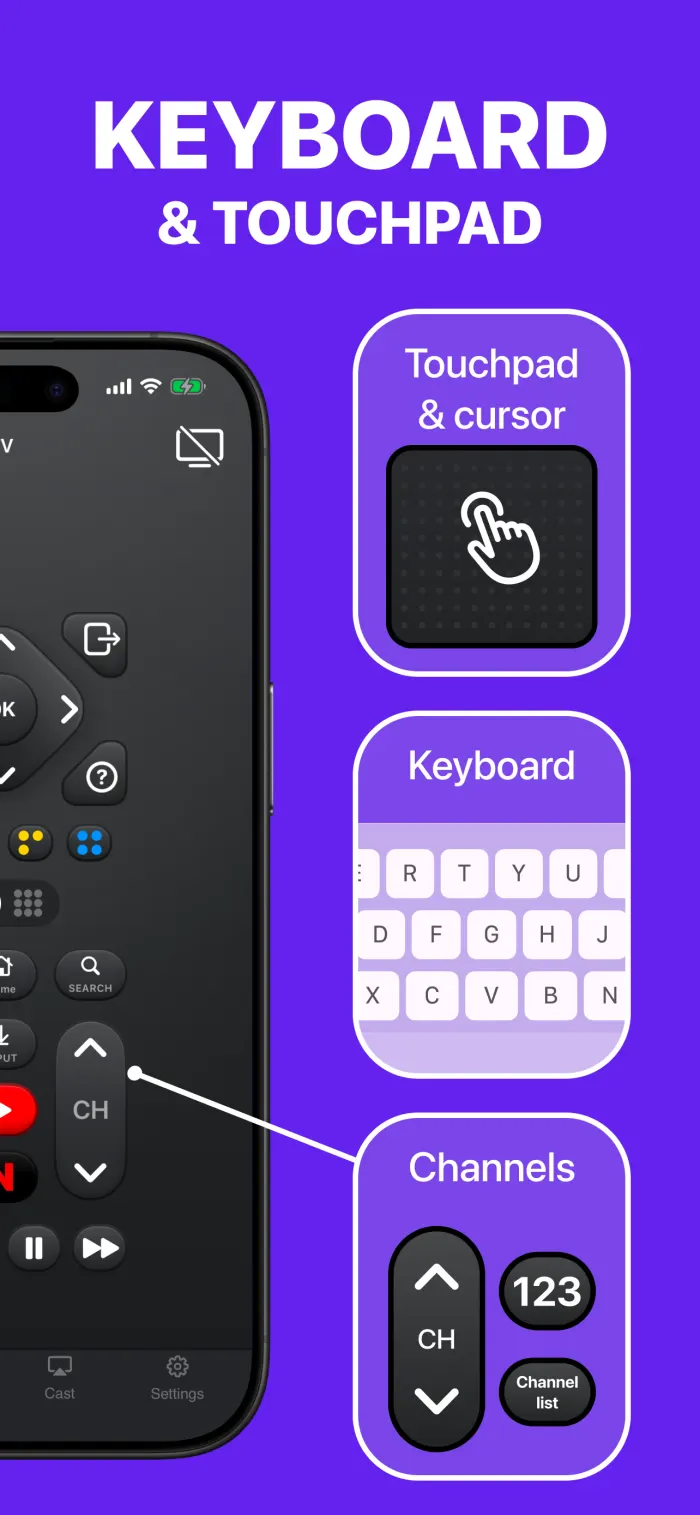
Move through menus and apps with familiar touchpad navigation on your phone.
Use your iPhone keyboard when searching for shows or entering passwords.
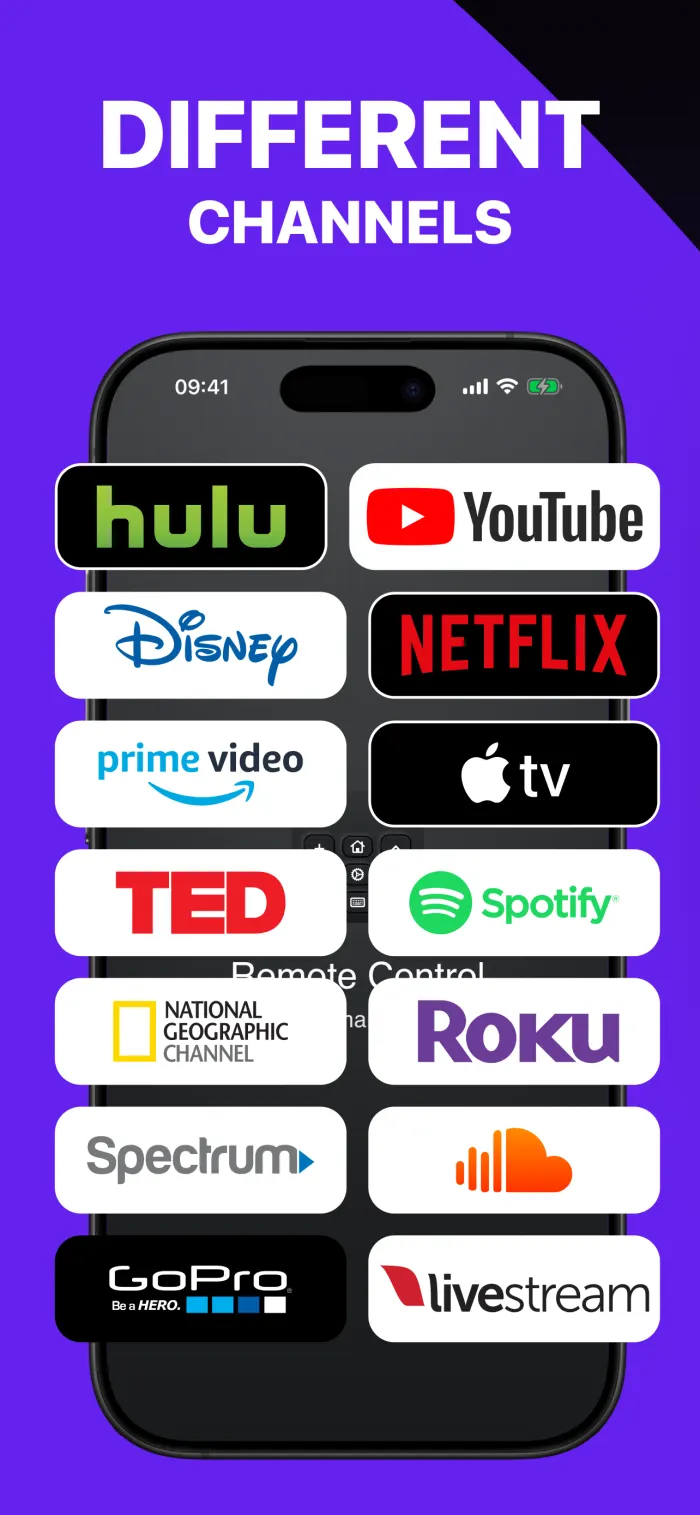
Reach common TV apps and controls without looking for tiny buttons.
Your phone. Your remote.
Keep the controls you use most within reach. TV Remote Control: Xio is designed for quick everyday control from iPhone and iPad.

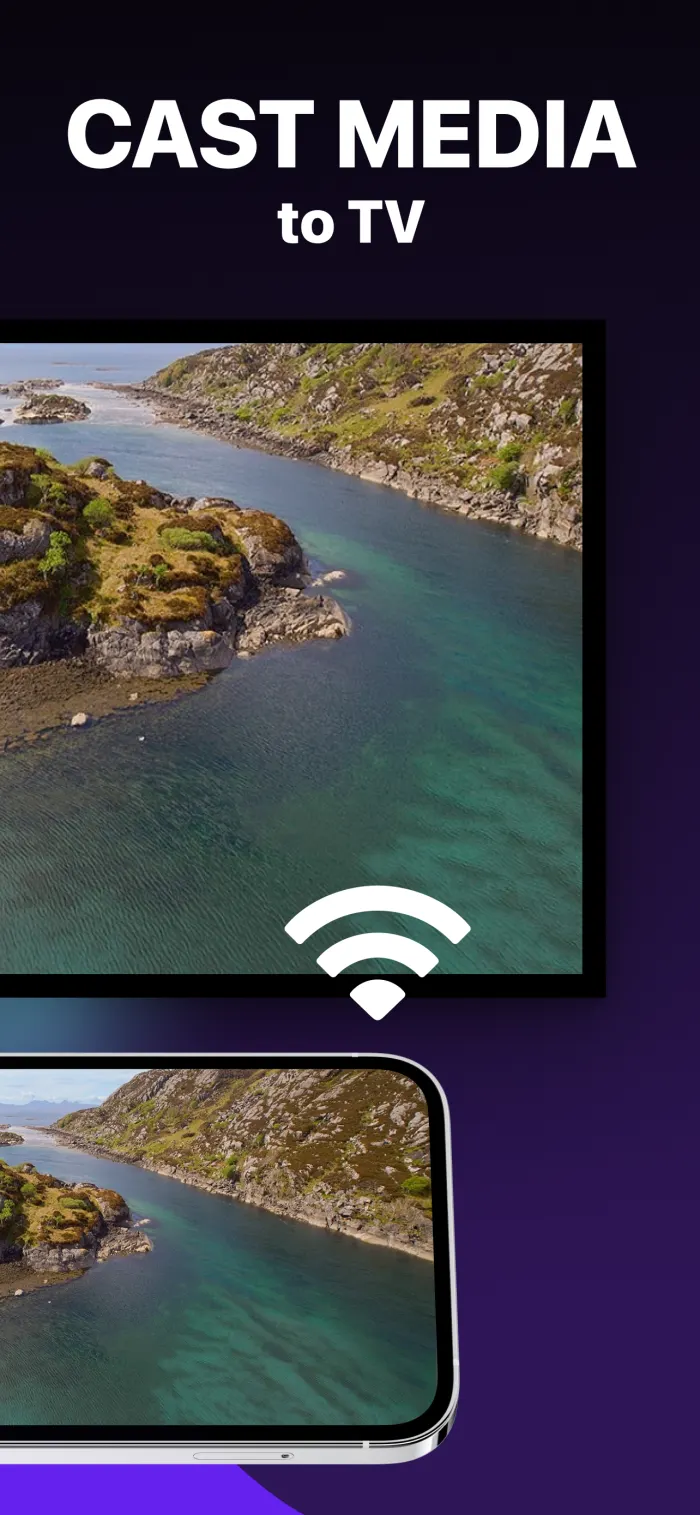
Connect in three simple steps
Connect your iPhone and Samsung Smart TV to the same local Wi-Fi network.
Open Xio and select your Samsung TV from the available device list.
Confirm the connection, then use your iPhone as your Samsung TV remote.
Choose the right remote for the moment
A physical remote remains useful for direct hardware control. Xio is a practical alternative when the remote is missing, out of reach, or slow for text entry.
| Need | TV Remote Control: Xio | Physical TV remote |
|---|---|---|
| Availability | Useful when your iPhone or iPad is already nearby | Depends on finding the remote and having working batteries |
| Connection | Uses the same Wi-Fi network as a compatible smart TV | Connection method varies by Samsung TV and remote model |
| Text entry | Uses the iPhone or iPad keyboard when supported | Usually requires selecting letters with directional buttons |
| Best use | Lost-remote backup, navigation, keyboard, and app shortcuts | Everyday hardware control without opening an app |
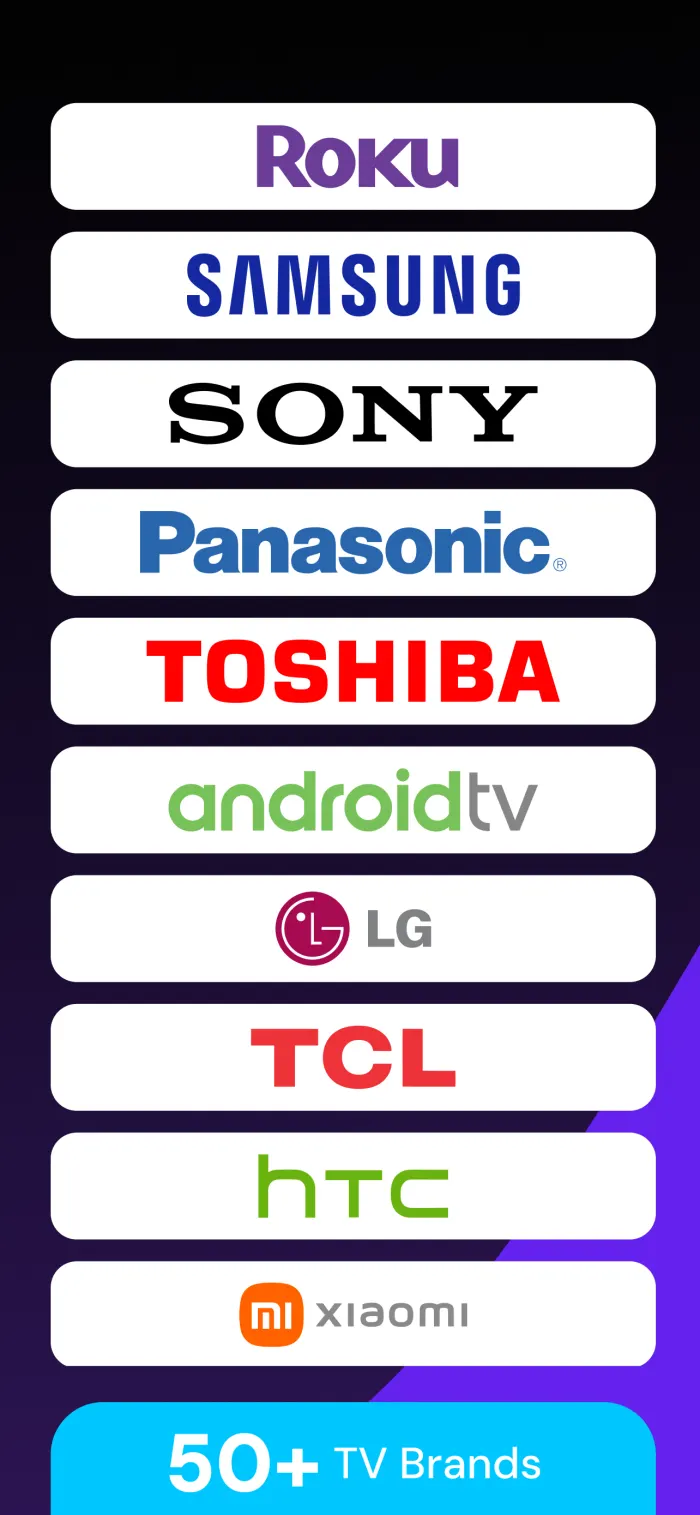
Made for Samsung Smart TV control
Helpful answers
Yes. TV Remote Control: Xio is designed to help you control compatible Samsung Smart TVs from an iPhone or iPad when both devices are connected to the same Wi-Fi network.
The app is designed for compatible smart TVs connected to the same Wi-Fi network. It is not a replacement for every older infrared-only television.
You can use common controls such as power, volume, channels, navigation, playback, source, TV apps, touchpad navigation, and keyboard input. Available controls can vary by TV model.
Check that your iPhone or iPad and TV are on the same Wi-Fi network, allow local network access for the app, and reopen the device list. Compatibility can vary by model and network setup.
No. TV Remote Control: Xio is an independent app developed by Softlian and is not affiliated with or endorsed by Samsung.
Ready to take back control?